Author: Jani

  • URL with trailing punctuation in email: a half-solution

    Pasting URLs into email messages has always made me somewhat uneasy, when the URL is right at the end of a sentence or right before a closing parenthesis: how do I know that the receiver’s email application knows to tell the puctuation apart from the URL? For example, let me enclose a URL (http://mummila.net/nuudelisoppa) here. Will the receiver’s browser take them to http://mummila.net/nuudelisoppa) instead of http://mummila.net/nuudelisoppa without the closing bracket?

    Sometimes I work around this by using extra whitespace between the last character of the URL and the closing bracket or other punctuation immediately following it like so: http://mummila.net/nuudelisoppa .

    But that looks just stupid. Also, the punctuation turns into an orphan all too easily.

    Well, I just realized that for some URLs there’s a trick I can use to work around the issue: instead of whitespace, use #. The hash in URLs is used as a fragment identifier, and if there’s no corresponding identifier in the document you’re referring to, the fallback is to just go to the document top — which is where you wanted to point to, anyway: http://mummila.net/nuudelisoppa/#.

    There are cases where this still doesn’t work, or works unlike intended.

    If your URL already has a fragment identifier (https://secure.wikimedia.org/wikipedia/en/wiki/Bracket#Parentheses_.28_.29), it’ll fail to point to your intended target when you add another #identifier to it (https://secure.wikimedia.org/wikipedia/en/wiki/Bracket#Parentheses_.28_.29#).

    Also, at least in theory it’s possible that there’s an identifier made up of a single punctuation character — say, an id="." — in the document you’re referring to, and you don’t intend to point to that identifier but to document top. Using # just before said punctuation then makes your link point to the fragment rather than document top.
  • Clear Comments theme for WordPress

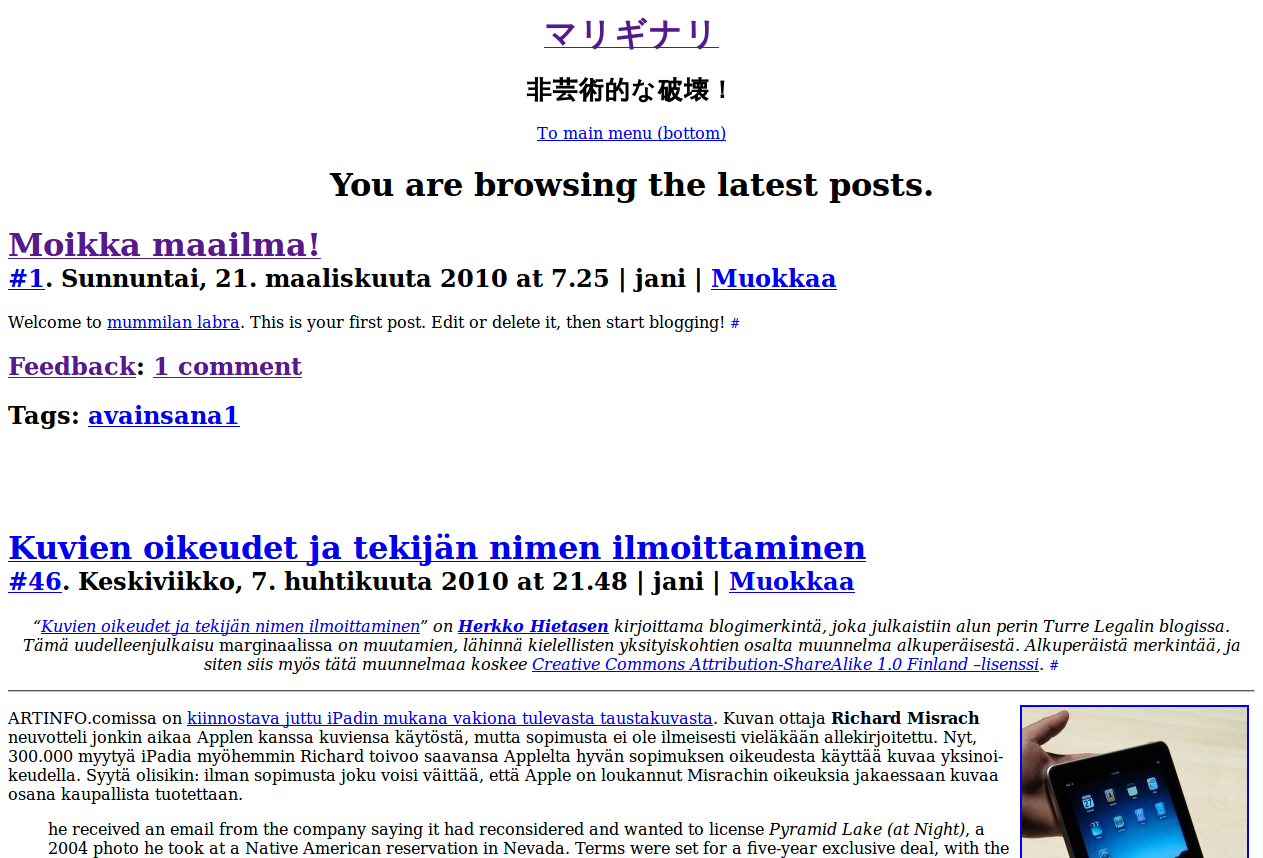
    Clear Comments is a modified version of the Clear theme for WordPress. The theme is customized for use in a blog I have for gathering and preserving all the comments I’ve left on sites outside my own. The theme employs a custom field for the comment permalink and a custom taxonomy for the title of the site the comment is left on.

    The theme is licensed under the GNU GPL.

    Download: clear-comments.zip (33,1 kB)

  • Truncate a directory

    Cooked up a script to limit the number of files in a directory to a defined value. Thought I’d mention it here under this title and preface, to make it searchable, since I didn’t find anything premade using them as search terms.

  • nihil Theme for WordPress

    nihil theme applied to WordPress nihil is a WordPress theme which began as a brach of mariginari, but with entirely different focus. The theme is accompanied by a set of plugins, most of which haven’t changed much from their mariginari roots. (Note that the versioning of the plugins doesn’t relate to mariginari versioning, i.e. version 0 here is still newer than versions >9000 of corresponding mariginari plugins.)

    The code is released under Creative Commons’ CC0 1.0 Universal license. Beware: this is always a work in progress, so it might break and/or burn your house down.

    Download: nihil-2010-05-20_10-00.zip (84 kB)
    Download: nihil-2010-04-15_09-15.zip (84 kB)

  • Full HD Noise

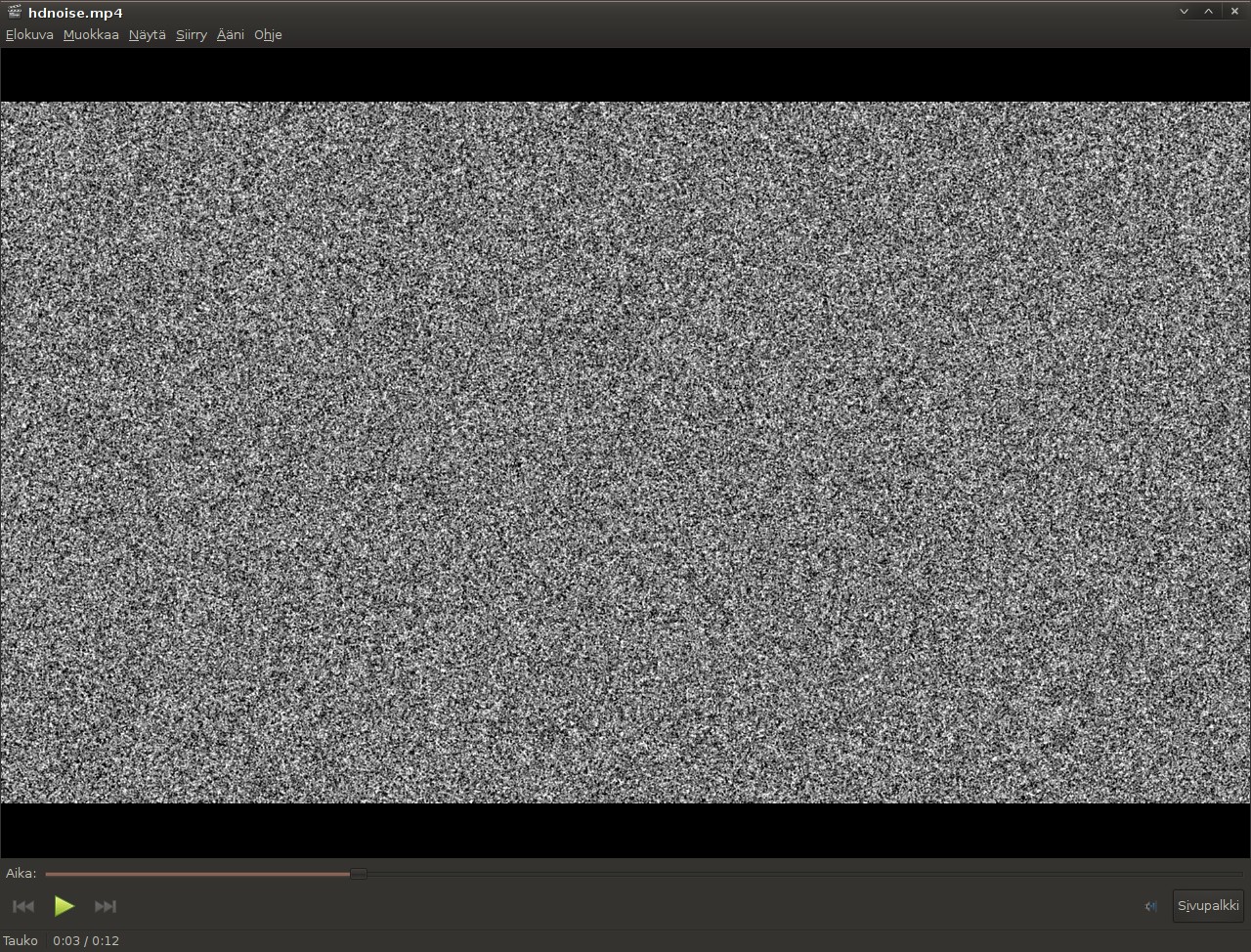
    Screenshot: hdnoise.mp4 playing in Totem In a re-iteration of my previous experiment with making noise, I’ve now generated 12 seconds of Full HD noise for your viewing pleasure. Note that the audio is quite loud (or at least appears as such), so adjust your system volume accordingly.

    Again I used ImageMagick to generate the frames and Audacity for the soundtrack, but instead of ppmtompeg I used ffmpeg for combining the pictures into a video, for better compression offered by modern codecs.

    First I cast this imagemagick spell:
    $ time for i in `seq -f %04.0f 1 300`; do convert -size 1920x1080 \
    xc: +noise Random -blur 1x1 -fx intensity -normalize -depth 8 ${i}.png; done

    Completing this step took about 20 minutes in my current setup (an Athlon II X2 250). (Note that for just 300 frames there one excess 0 worth of padding in the seq parameter, because I initially did a longer sequence of lower res frames. Four or more are needed if you go beyond 1000 frames.)

    Next I put the images together using ffmpeg. I compressed the video with x264:
    $ ffmpeg -y -i %04d.png -vcodec libx264 -b 1800k -r 30 test.mp4

    I then generated 12 seconds of white noise in Audacity, and exported it into a WAV file, which I then compressed using faac:
    $ faac -q 300 -o noise12.aac noise12.wav

    Finally I muxed the two together, again using ffmpeg:
    $ ffmpeg -i test.mp4 -vcodec copy -i noise12.aac -acodec copy hdnoise.mp4

  • Never enough

    jani@saegusa:Työpöytä$ mktemp .jpg
    mktemp: too few X's in template ”.jpg”
    jani@saegusa:Työpöytä$ mktemp X.jpg
    mktemp: too few X's in template ”X.jpg”
    jani@saegusa:Työpöytä$ man mktemp
    jani@saegusa:Työpöytä$ mktemp XXXXXXXXXX.jpg
    mktemp: too few X's in template ”XXXXXXXXXX.jpg”
    jani@saegusa:Työpöytä$ mktemp XXXXXXXXXXX.jpg
    mktemp: too few X's in template ”XXXXXXXXXXX.jpg”
    jani@saegusa:Työpöytä$ mktemp XXXXXXXXXXXX.jpg
    mktemp: too few X's in template ”XXXXXXXXXXXX.jpg”
    jani@saegusa:Työpöytä$ mktemp XXXXXXXXXXXXXXXXXXXXXXXXXXXXXXXXXXXXXX.jpg
    mktemp: too few X's in template ”XXXXXXXXXXXXXXXXXXXXXXXXXXXXXXXXXXXXXX.jpg”
    jani@saegusa:Työpöytä$ mktemp XXXXXXXXXXXXXXXXXXXXXXXXXXXXXXXXXXXXXXXXXXXXXXXXXXXXXXXXXXXXXXXXXXXXXXXXXXXXXXXXXXXX
    XXXXXXXXXXXXXXXXXXXXXXXXXXXXXXXXXXXXXXXXXXXXXXXXXXXXXXXXXXXXXXXXXXXXXXXXXXXXXXXXXXXXXXXXXXXXXXXXXXXXXXXXXXXXXXXXXXXXXXXXXXXXXXXXXXXXXXXXXXXXXXXXXXXXXXXXXXXXXXXXXXXXXXXXXXXXXXXXXXXXXX.jpg
    mktemp: too few X's in template ”XXXXXXXXXXXXXXXXXXXXXXXXXXXXXXXXXXXXXXXXXXXXXXXXXXXXXXXXXXXXXXXXXXXXXXXXXXXXXXXXXXXXXXXXXXXXXXXXXXXXXXXXXXXXXXXXXXXXXXXXXXXXXXXXXXXXXXXXXXXXXXXXXXXXXXXXXXXXXXXXXXXXXXXXXXXXXXXXXXXXXXXXXXXXXXXXXXXXXXXXXXXXXXXXXXXXXXXXXXXXXXXXXXXXXXXXXXXXXXXXXXXXXXXXXXXXXXXXXXXXXXXXXX.jpg”
  • Powered by WordPress 3.0 (alpha)

    Edellinen Hello world! merkkasi siirtymistä WordPress MU:hun, ja tämä merkintä puolestaan merkkaa siirtymistä WordPress 3.0:aan, joka tätä kirjoittaessani on vielä alpha-vaiheessa.

  • Hello world!

    Welcome to mummila. This is your first post. Edit or delete it, then start blogging!

  • mariginari Theme for WordPress

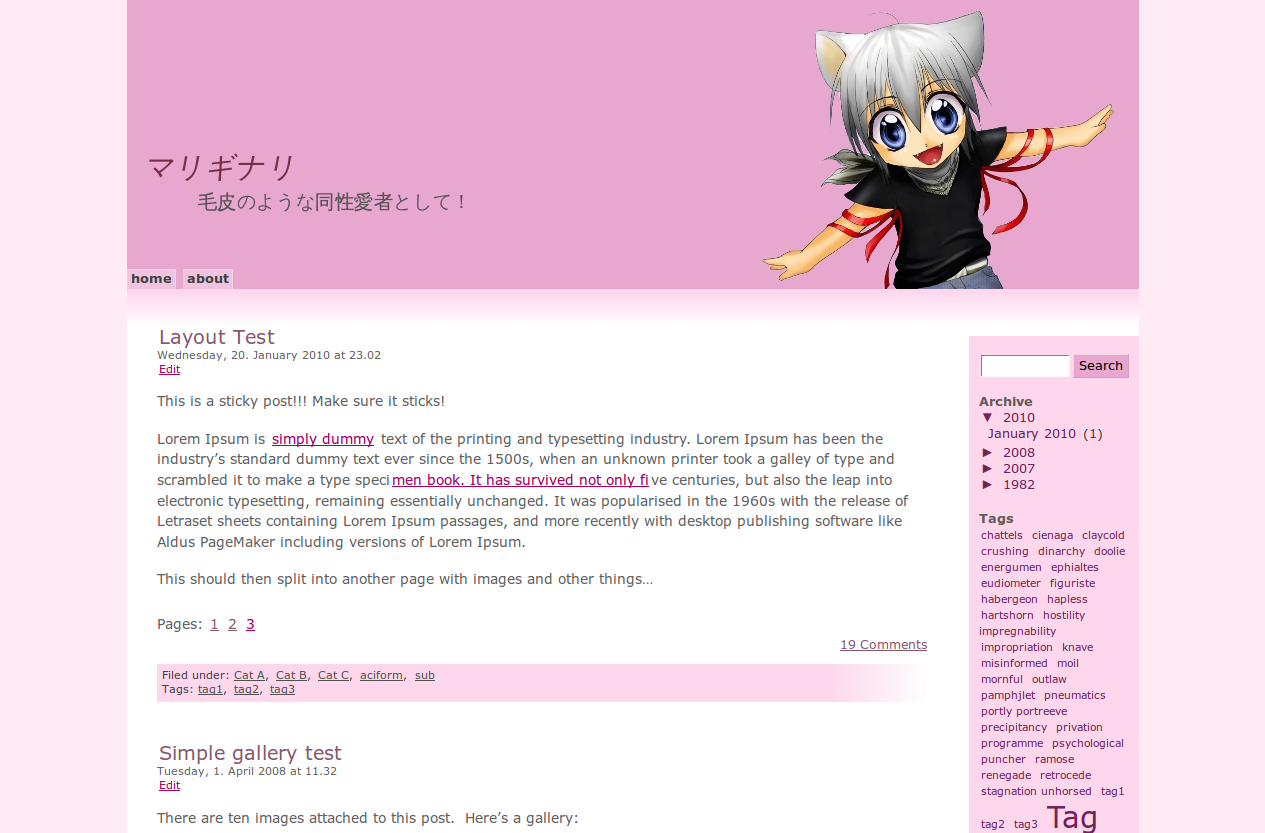
    mariginari Theme applied to WordPress mariginari is a heavily customized version of the My Valentine theme by Quirm.net, accompanied by a set of plugins. The theme is distributed under the terms of the GNU General Public License save for the title image, which is an adaptation of Husky-Chibi by Nunzia Catania and is licensed under Creative Commons Attribution-ShareAlike 3.0, and the 1950s television set frame, which is a derivative of a work by John Atherton and licensed CC by-sa 2.0.

    Download: mariginari-2010-04-12_15-39 (962 kB)
    Download mariginari-2010-04-04_09-40.zip (968 kB)
    Download mari-2010-04-02_11-06.zip (942 kB)

    Note that this is always a work in progress, so it might break and/or eat your children.