Okay, this was a conflict between the new integration and the third party integration I had been using up until now. I did uninstall the old integration before trying to setup the new one, but apparently that wasn’t enough; I also had to manually purge all references to sleep_as_android (both old and new) from .storage/core.entity_registry. Only after that (and core restart) the setup showed the webhook URL as expected.
The problem
The setup instructions say ”You will be presented a URL during the setup process.” I see no URL during the setup process (nor is it available anywhere after setup).
Steps to reproduce:
Select Settings > Devices & services > Add integration > Sleep as Android
What I expect to happen:
To ”be presented a URL during the setup process.”
What actually happens:
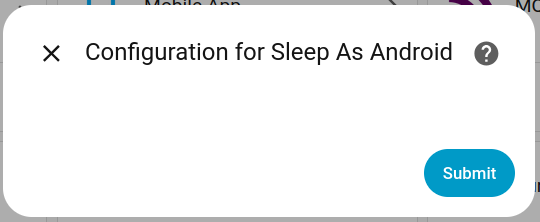
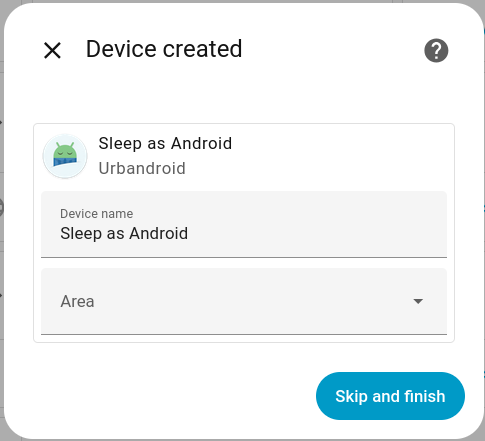
What version of Home Assistant Core has the issue?
core-2025.9.1
What was the last working version of Home Assistant Core?
No response
What type of installation are you running?
Home Assistant OS
Integration causing the issue
Sleep as Android
Link to integration documentation on our website
https://www.home-assistant.io/integrations/sleep_as_android/
Diagnostics information
config_entry-sleep_as_android-01K5BG3KZKPF229RQSVK9BYAYC.json
Example YAML snippet
Anything in the logs that might be useful for us?
I’ve tried enabling debug logging for the integration, but it produces no output at all.
Additional information
No response