It’s working just fine after switching to 2024.7/candidate
I’m on amd64 too, and yep, it’s working just fine after switching to 2024.7/candidate. Excellent, thank you!
I’m on amd64 too, and yep, it’s working just fine after switching to 2024.7/candidate. Excellent, thank you!
Yeah, still not working for me either. Restarting HA snap just results in the same traceback getting logged as before.
Settings > Devices & services > HACS shows it’s up to date (or at least at that same version, 1.34.0). I can’t find a ”Configuration” or ”HACS update” view under the HACS service, only the one with related Service info, Automations and so on (possibly because HACS is ”Not loaded”, which is the issue).
I don’t know if the host system has any bearing on this, but mine is running Ubuntu 20.04, and I’ll happily provide any other info if needed.


Here’s the full traceback I have, unfiltered. It refers to pydantic, and it looks like something people have worked around by forcing pydantic to version 1.10.16. I barely speak any Python at all though, so I wouldn’t know what other implications this has, if any, but I hope it’s at least a clue.
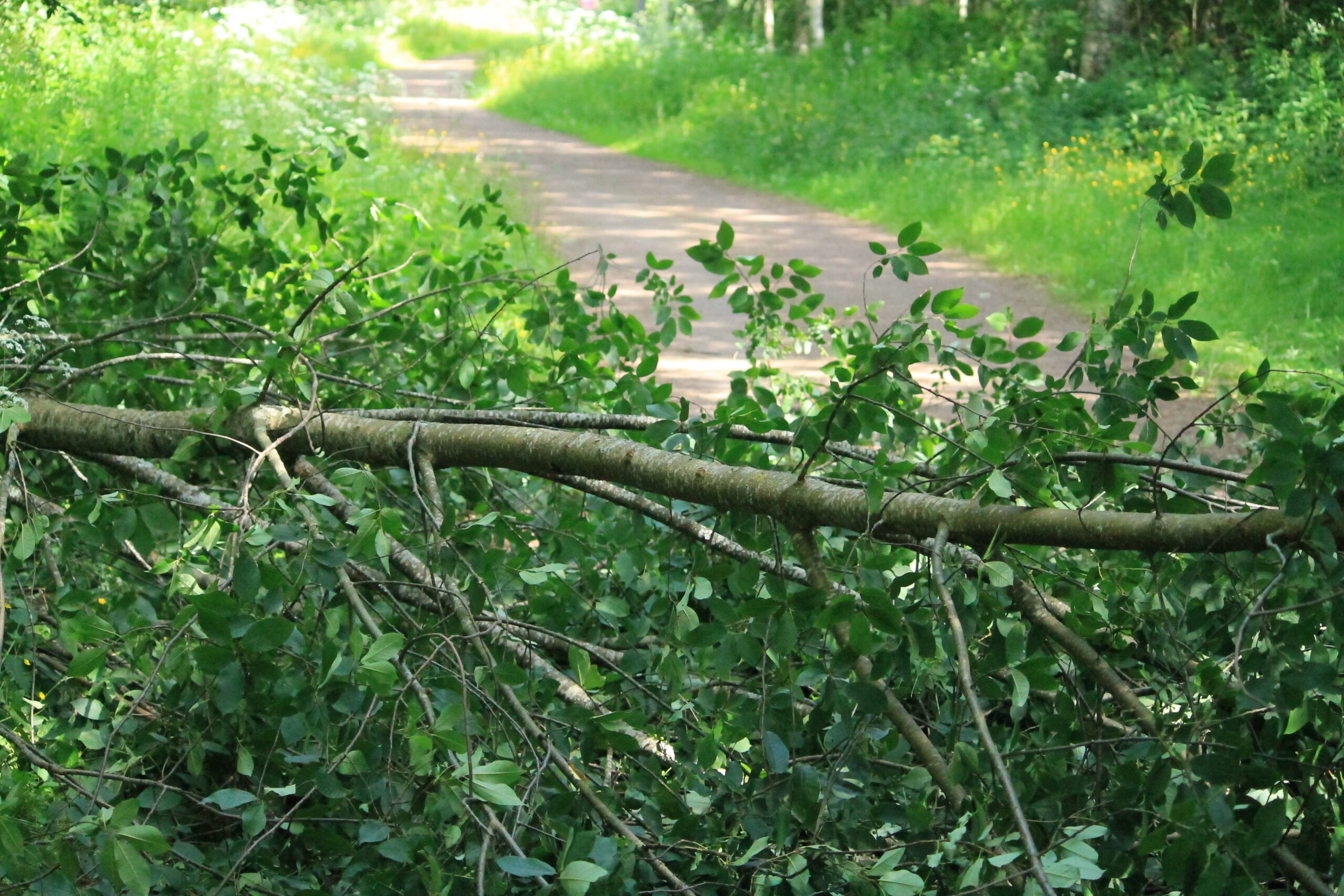
Puu kaatunut kuntoradalle.
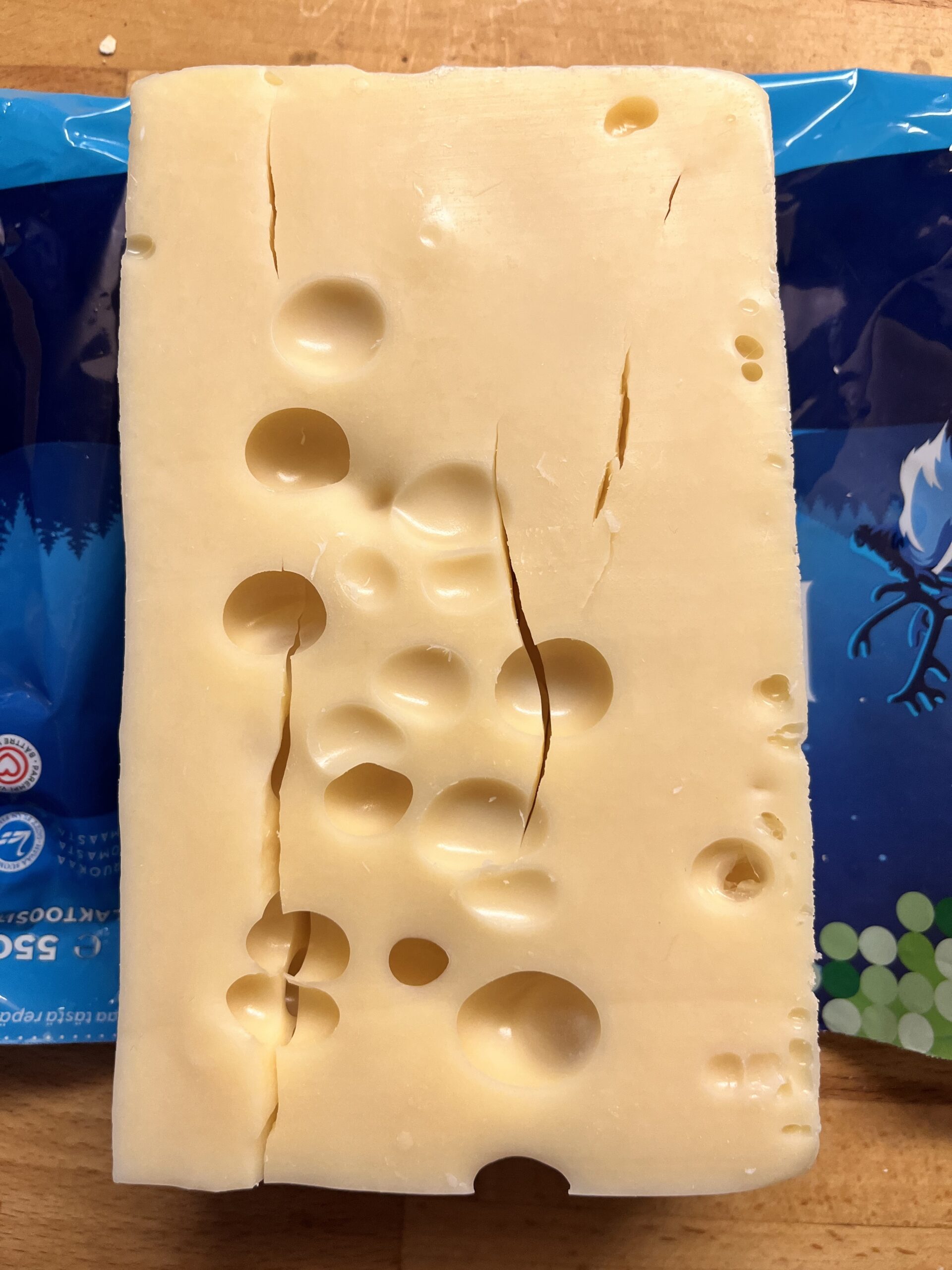
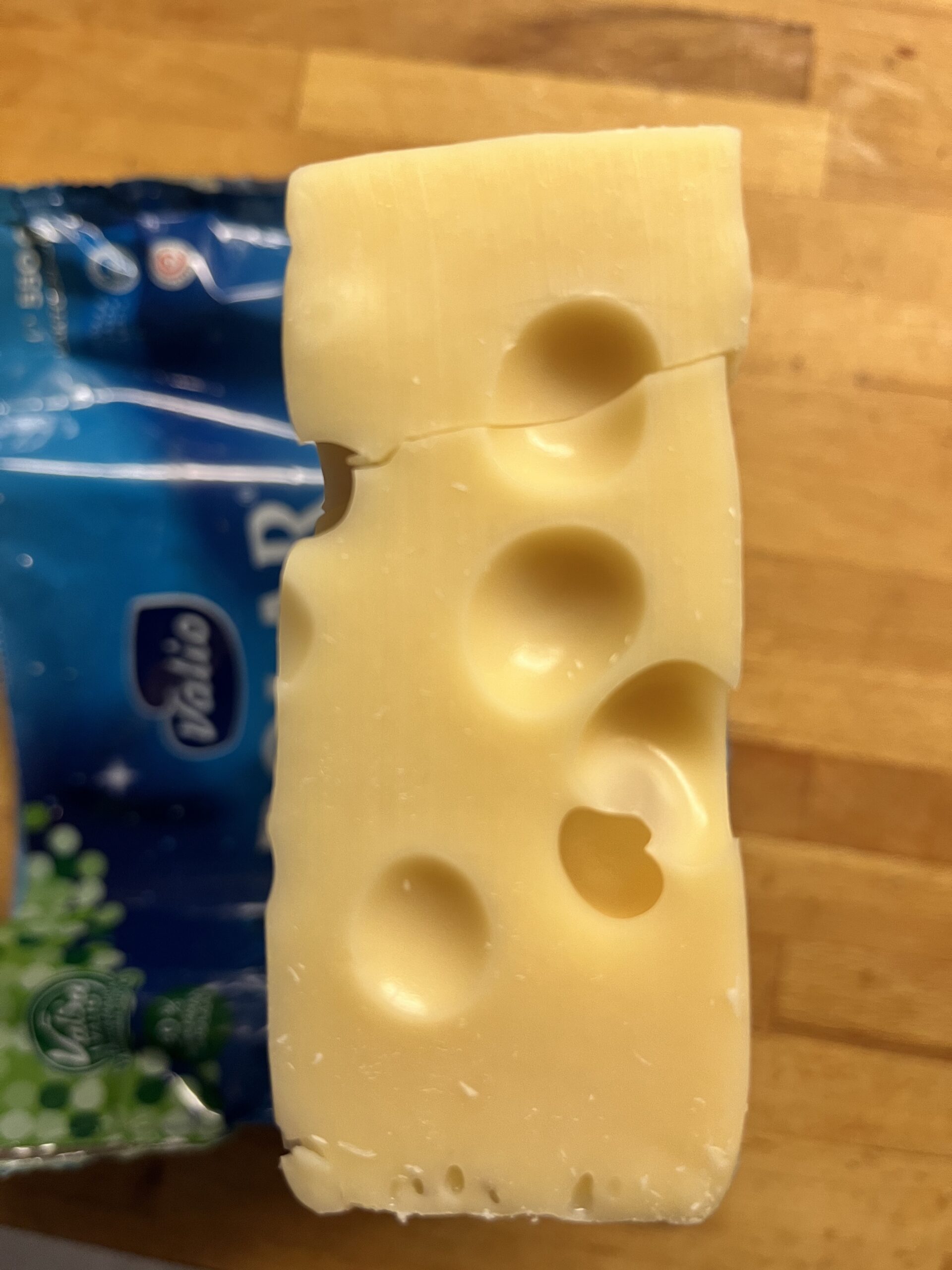
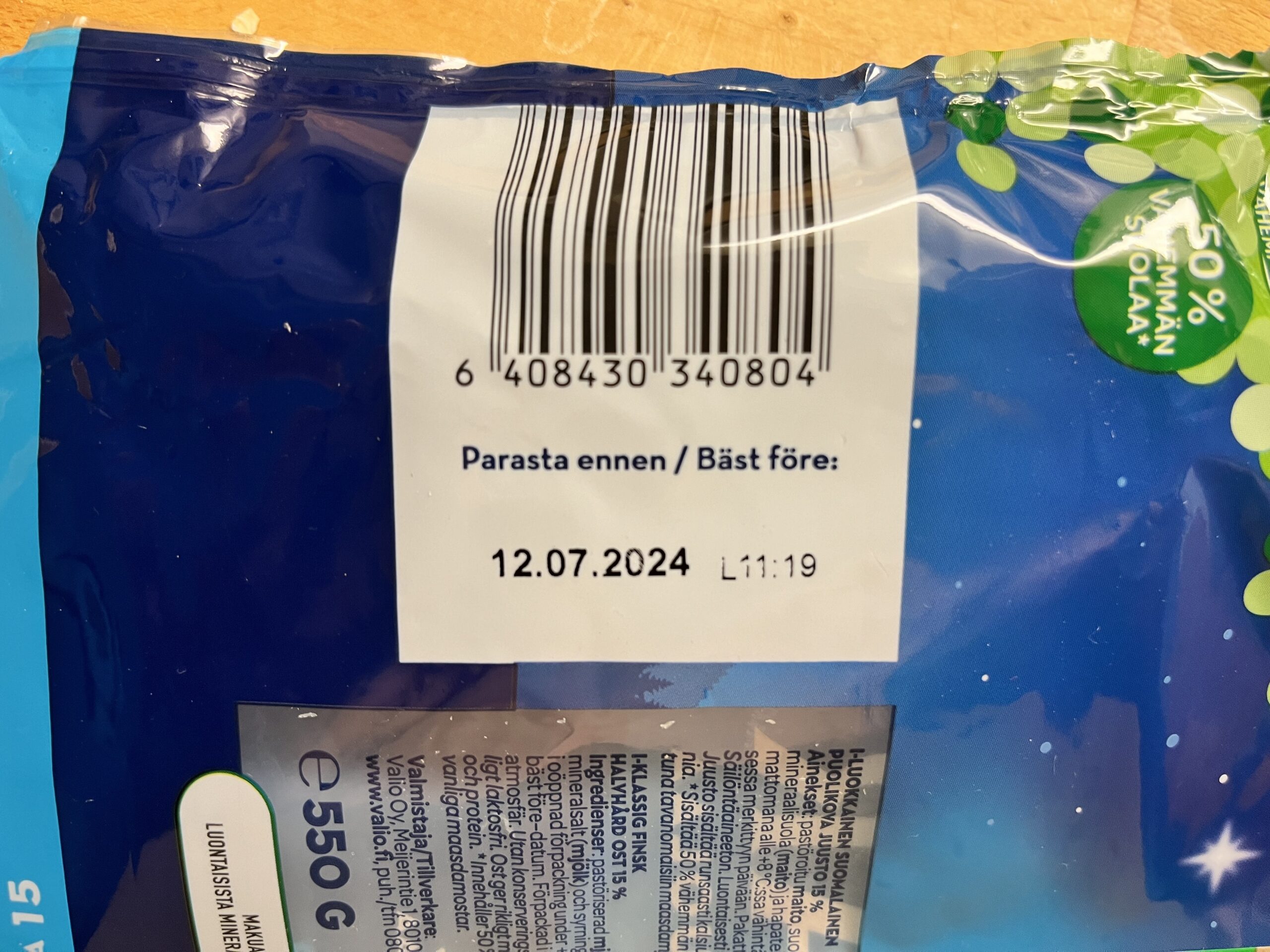
Suosikkijuustoni on Valion 15-prosenttinen Polar (Valsa). Viime kuukaudet se on jostain syystä aina ollut kahtia haljenneena pakkauksesta otettuna. En tiedä onko vika logistiikassa vai tuotantopäässä, mutta teiltä onnistunee tuon syyn selvittäminen. Ostan juustoni useimmiten samasta myymälästä (Oulun Linnanmaan Prisma), eli myöskään käsittelyvirhe siellä ei ole poissuljettu.
Eihän tuo makuun tai syömäkelpoisuuteen vaikuta millään lailla, mutta tuo halkeilu tekee juustosta huonosti höylättävän, varsinkin kun ruukaan höylätä tiiliskiven päästä. Haljenneesta köntistä veistetyt siivut katkeilevat halkeamakohdista pikku pätkiksi.
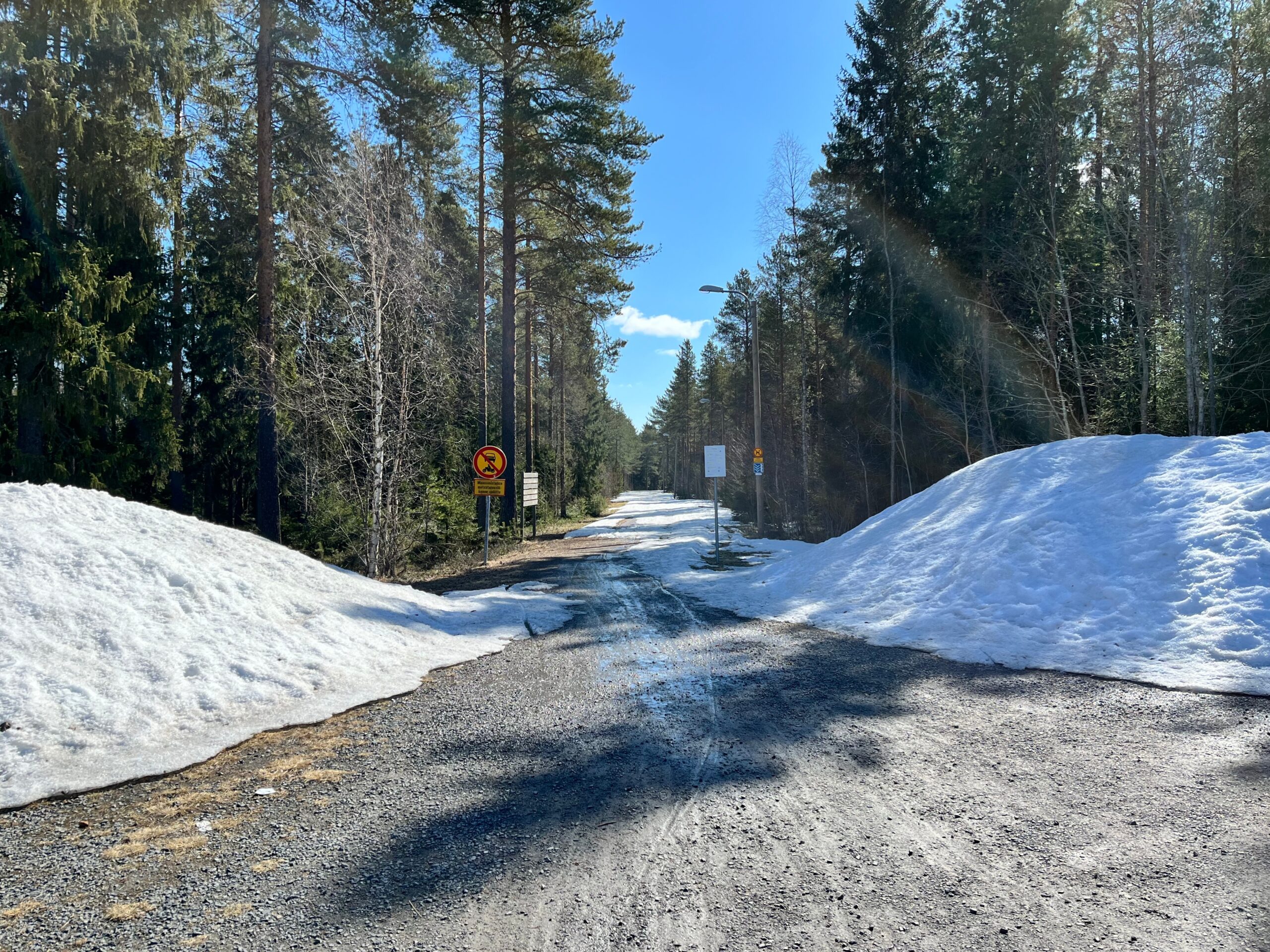
Nämä sateenkaarimaiset juovat (kuvassa oikealla, puiden edustalla) löysin vasta jälkikäteen tästä kuvasta, eli paikan päällä en näitä huomannut; ehkä polarisoivien aurinkolasien takia, jollei sitten kyse ole vain kameran tuottamasta artefaktista. Ajattelin kuitenkin tarjota tunnistettavaksi, kun en keksinyt että mistä ilmiöstä on kyse. Lähinnä tuli mieleen jääsumuhalo, mutta vaikka täällä viime yönä pakkasta olikin, niin kuvaa ottaessani ilman lämpötila oli jo +2…3 °.
Wrt. episode 083: To me, Sky’s yipping in his sleep is on par with the ”coffee” signing chimp as evidence for dreams. Even if it is just a reflex, it’s in reaction to his _interpretation of his situation_ which, based on his behavior while awake, is ”I’m frustrated by not being able to keep up”. I’m sure he’s having that dream we’ve all had, where you’re trying to run, but your legs just feel like lumps of lead (which is probably your brain trying to make sense of not getting feedback from your sleep-paralysed muscles, despite bombarding them with ”RUN!” signals).
On another note, I found it hilarious how, back in episode 082, you were trying to channel future Bec, future Bec transmitted stomach rumbling noises, and then the food poisoning episode happened. You should have listened to future Bec!
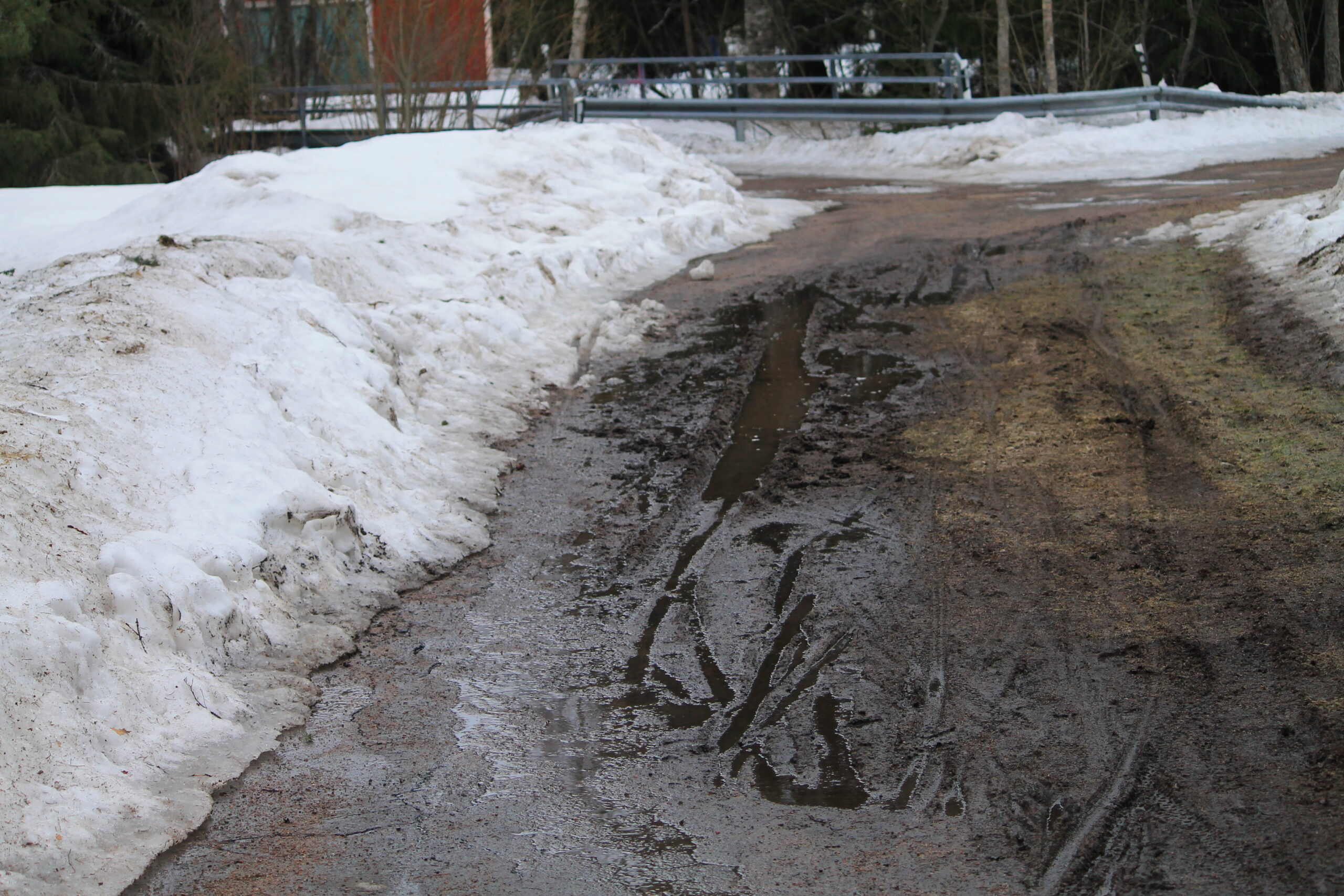
Auraus oikaissut asvaltin mutkan kohdalla pientareen kautta, ja se on nyt sulanut tuollaiseksi mutavelliksi.
As a workaround, adding --no-warnings seems to suppress this output.
Yup, I can also confirm that v1.67.0-beta.7775.8cb7f28f8.fix-7673-dir-wrapping fixes this!