Under some circumstances, content from one Firefox window hidden behind another leaks onto the top one. Reproducible in both Bionic (with Intel graphics) and Disco (in a VirtualBox VM), reporting this from Disco.
== Steps to reproduce ==
1. Open one Firefox window, drag it to the right side of screen to fill the right half, and navigate to https://www.twitch.tv/rifftrax
2. Open another Firefox window, maximize it on top of the first one, and use this topmost window to open https://www.youtube.com/watch?v=P5dxd-ocaE8 and expand the Youtube view to ’theatre’ mode
== What happens ==
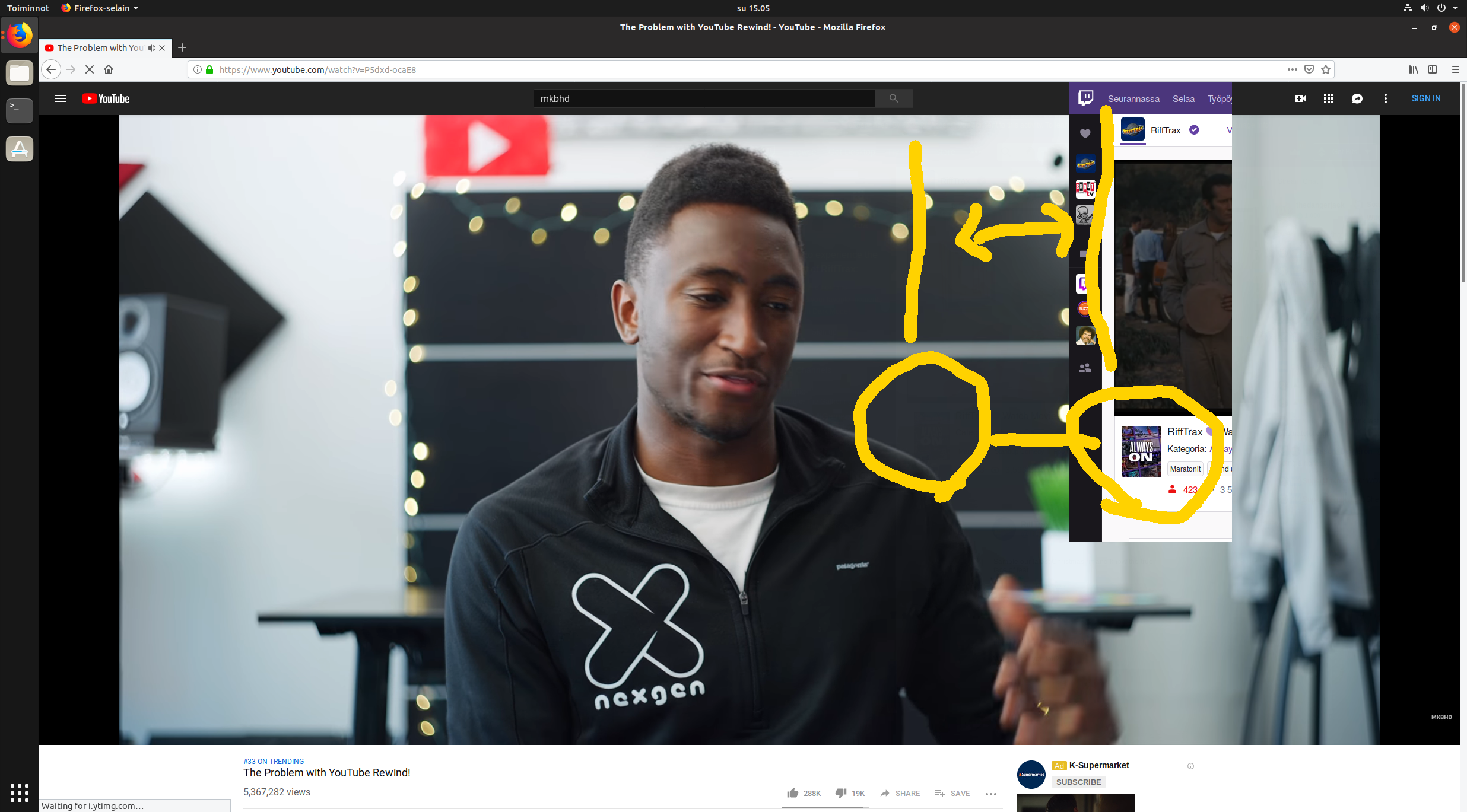
White parts of content in Firefox window #1 cast a spectral shadow on the black parts of content in Firefox window #2. It’s quite subtle, but luckily can be caught in screenshots: see attachments below. Pausing the Youtube video seems to make the effect to go away (the transparency disappears).
== What I’d expect to happen ==
For the topmost window to be completely opaque, i.e. not to see anything from behind the topmost window whether the video is playing or not.
== Other info ==
Though I don’t think this is tied the two sites I’ve used as an example, they’re the first and only ones I’ve happened to encounter this with. I’ve yet to find other reports about this, apart from one /r/Fedora thread mentioning something similar: https://www.reddit.com/r/Fedora/comments/7m9m4h/youtube_videos_are_transparent_kind_of_in_firefox/
Untouched screenshot of top window revealing content from another window below
Same screenshot with added hints about see-through content
As a workaround, copying the icons and manifest from public to domain root seems to work (with Wekan snap running behind Apache here). As the files have a wekan- prefix, collisions shouldn’t be an issue. Naturally, this solution does require write access to the domain root directory.
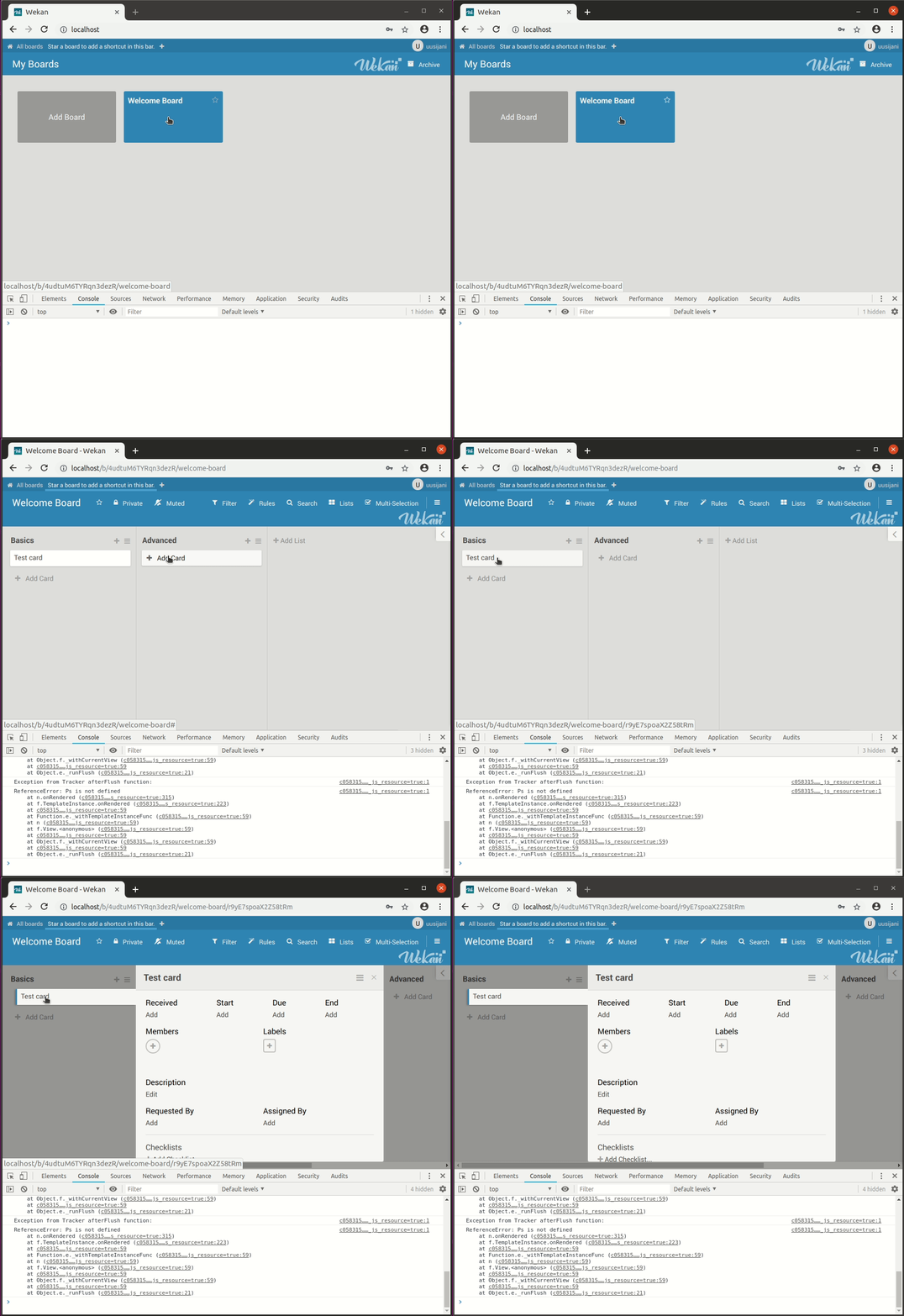
Nope, Chrome manifests this too:
Server Setup Information:
- Did you test in newest Wekan?: yes (current edge is 1.88, the same as stable)
- For new Wekan install, did you configure root-url correctly? yes
- Wekan version: 1.88
- Operating System:
- Deployment Method: snap
- Http frontend: –
- ROOT_URL environment variable: http://localhost
Problem description:
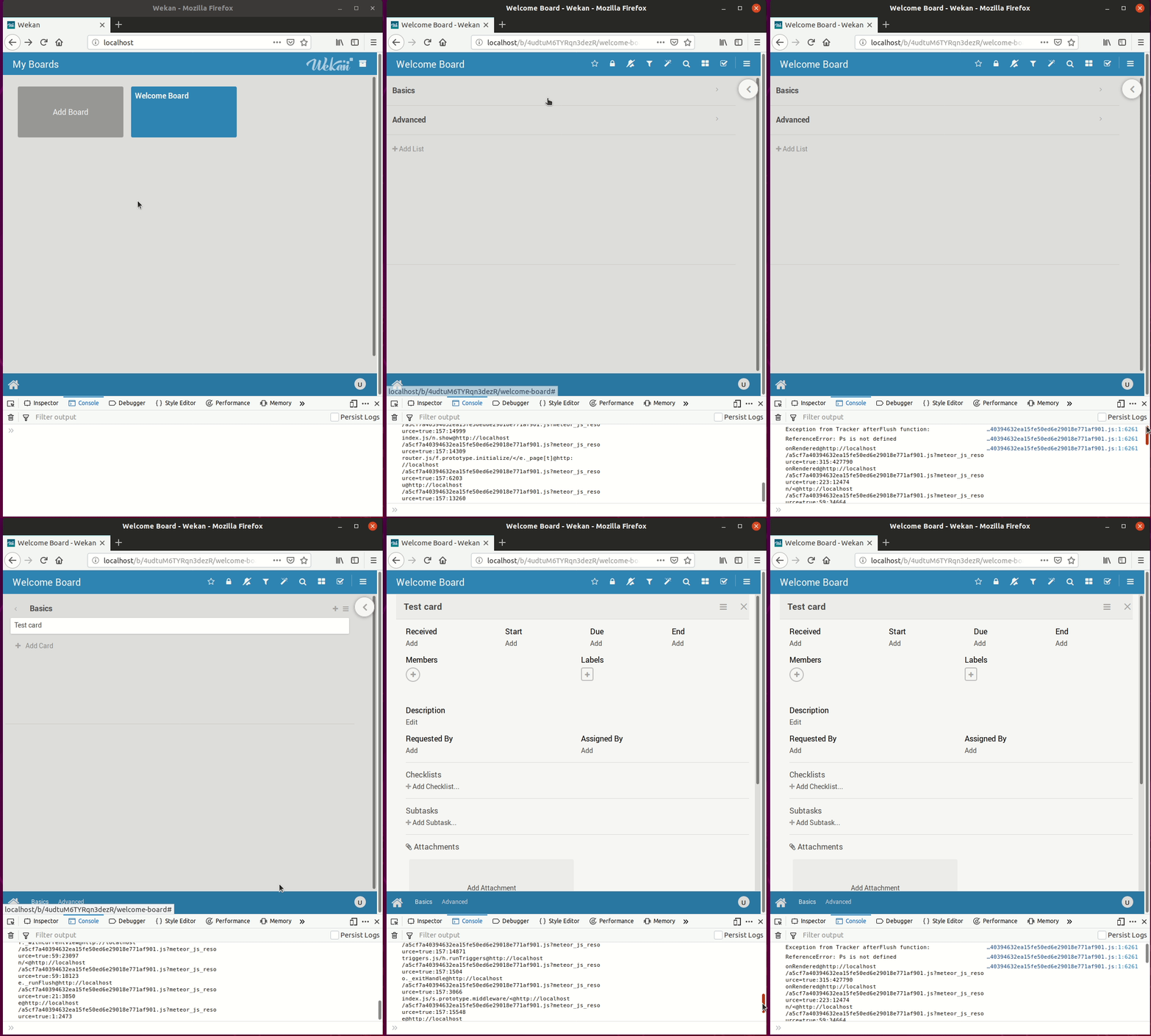
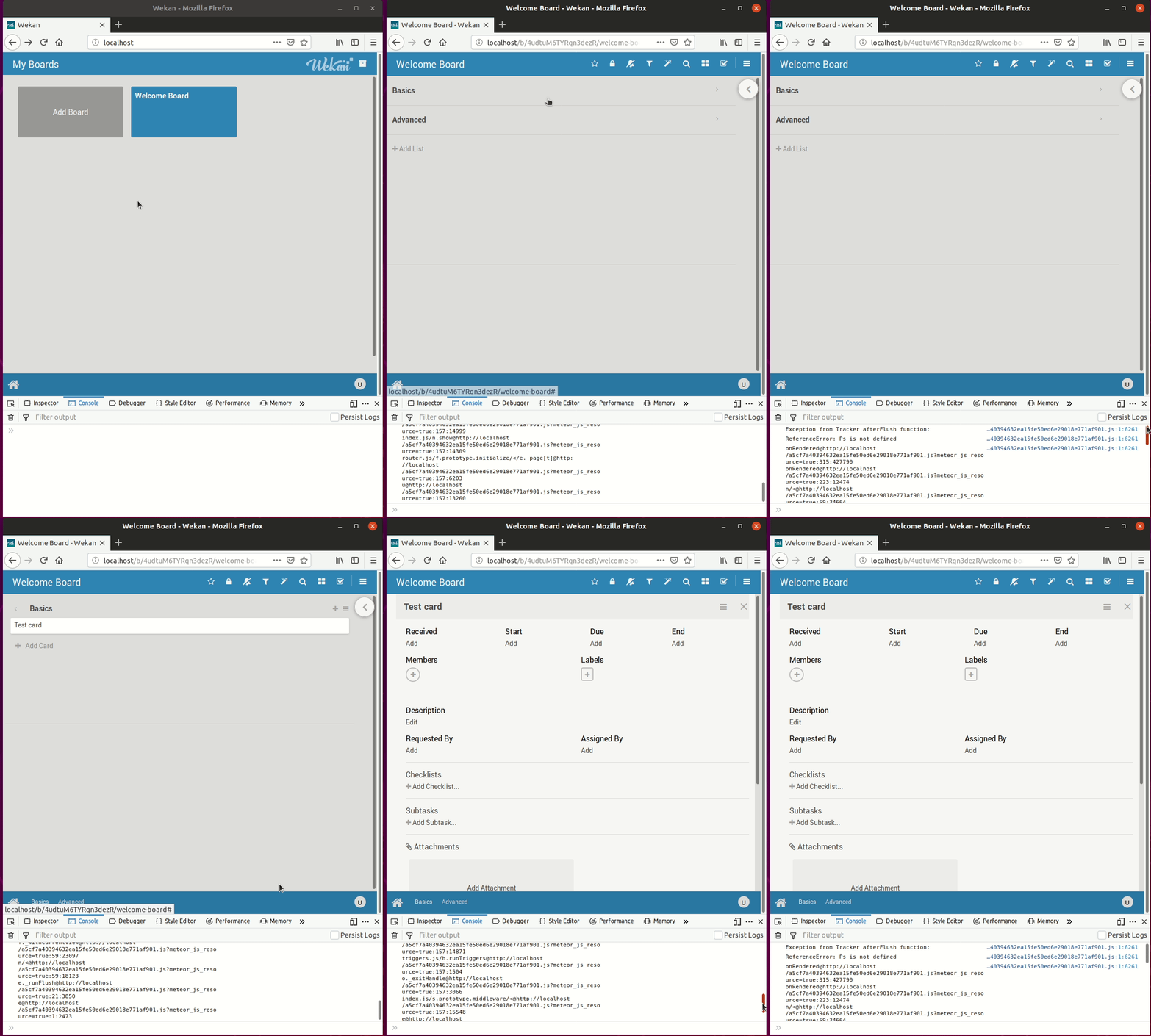
Since (at least) a few days back, my web console (in both Firefox and Chrome) is logging this error whenever I open a card. The same error is also logged for opening a board. Additionally, in the more compact view (when the browser window is small, as in the gif I’m attaching), expanding a list causes the same error, as does closing a card.
This doesn’t seem to affect any functionality AFAICT (although I did notice this while investigating why vertical scrolling within a card is suddenly very slow, but that is probably unrelated and possibly local).
The attached animation is from a fresh install with just the user account and one test card created.
Steps to reproduce:
- Open web console
- Open a card
What happens:
”Exception from Tracker afterFlush function”, ”ReferenceError: Ps is not defined”. Web console log attached.
If using Snap, output from sudo snap logs wekan.wekan
(Nothing during the error event)
Peek animation:
Alternatively, after adding the PPA, replace ’cosmic’ with ’bionic’ in the sources list, as the package for Bionic currently appears to install and work in Cosmic just fine (from my brief testing).
Rick Dangerous oli ensimmäisiä, jollei peräti ensimmäinen, Amigalla koskaan näkemäni peli, ja kyllähän se vaikutuksen teki. Sen perusteella en kylläkään itse pelistä sanoisi mitään, sillä toinen samoista meriiteistä kilpaileva kandidaatti on Mouse Trap, joka siis sekin silloin kasibittisiin tottuneesta näytti ihan huikean hyvältä.
Short Circuit -elokuva on jo vuosia ollut katselulistallani, juurikin tämän pelin takia. Ei se käsittääkseni häävi raina ole, mutta nämä tolkuttoman epäselvät lisenssipelit jättivät silloin aikanaan kaipaamaan edes jonkinlaista selvyyttä, jota alkuperäisteos ehkä sentään saattaisi tarjota.
The release of WordPress 5.0 brought up an issue with the use of gutenberg_parse_blocks() in aesop.php: apparently for WP versions with Gutenberg integrated, parse_blocks() should be used instead of gutenberg_parse_blocks(), otherwise a fatal error occurs when Gutenberg tries to redefine WP_Block_Parser_Block.
You can reproduce this even with Twenty Nineteen, by adding <?php $blocks = gutenberg_parse_blocks( $post->post_content ); ?> to header.php.
Replacing gutenberg_parse_blocks() calls with parse_blocks() seems to work around the issue (for me at least), and the issue here, if any, is apparently just one of confusion: renaming the function broke backwards compatibility, but since gutenberg_parse_blocks() is still defined, instead of a ”Call to undefined function” you get this attempt to redefine WP_Block_Parser (via inclusion of parser.php), resulting in the ”name is already in use”.