Jalankulkuvalojen tilausnappi jumissa eikä toimi
Jalankulkuvalojen tilausnappi jumissa eikä toimi.
Jalankulkuvalojen tilausnappi jumissa eikä toimi.
Ilmiö on suht’ harvinainen, mutta ihan todellinen. Ihmiset tunnustavat jopa rikoksia, joita ei ole edes tapahtunut.
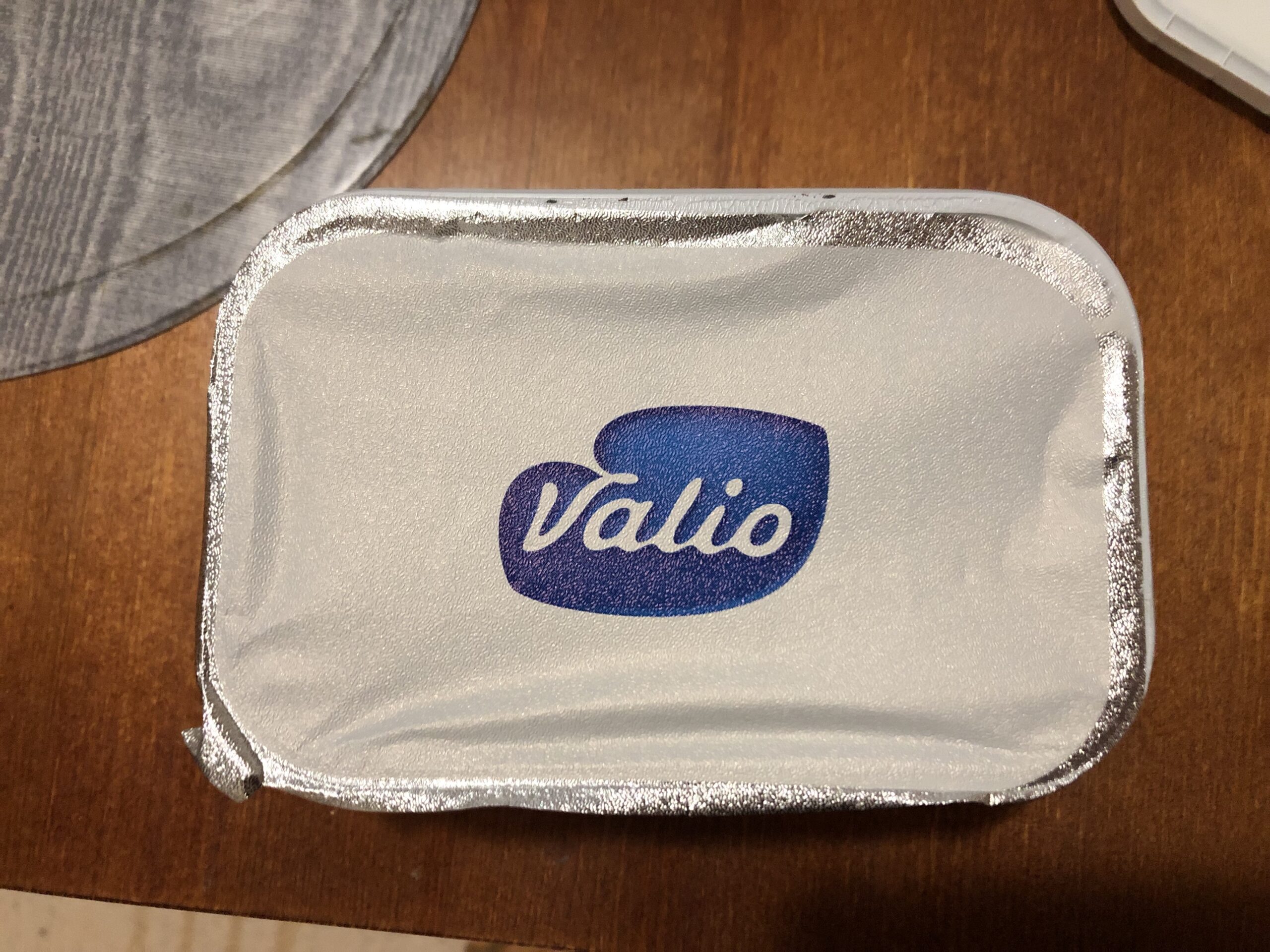
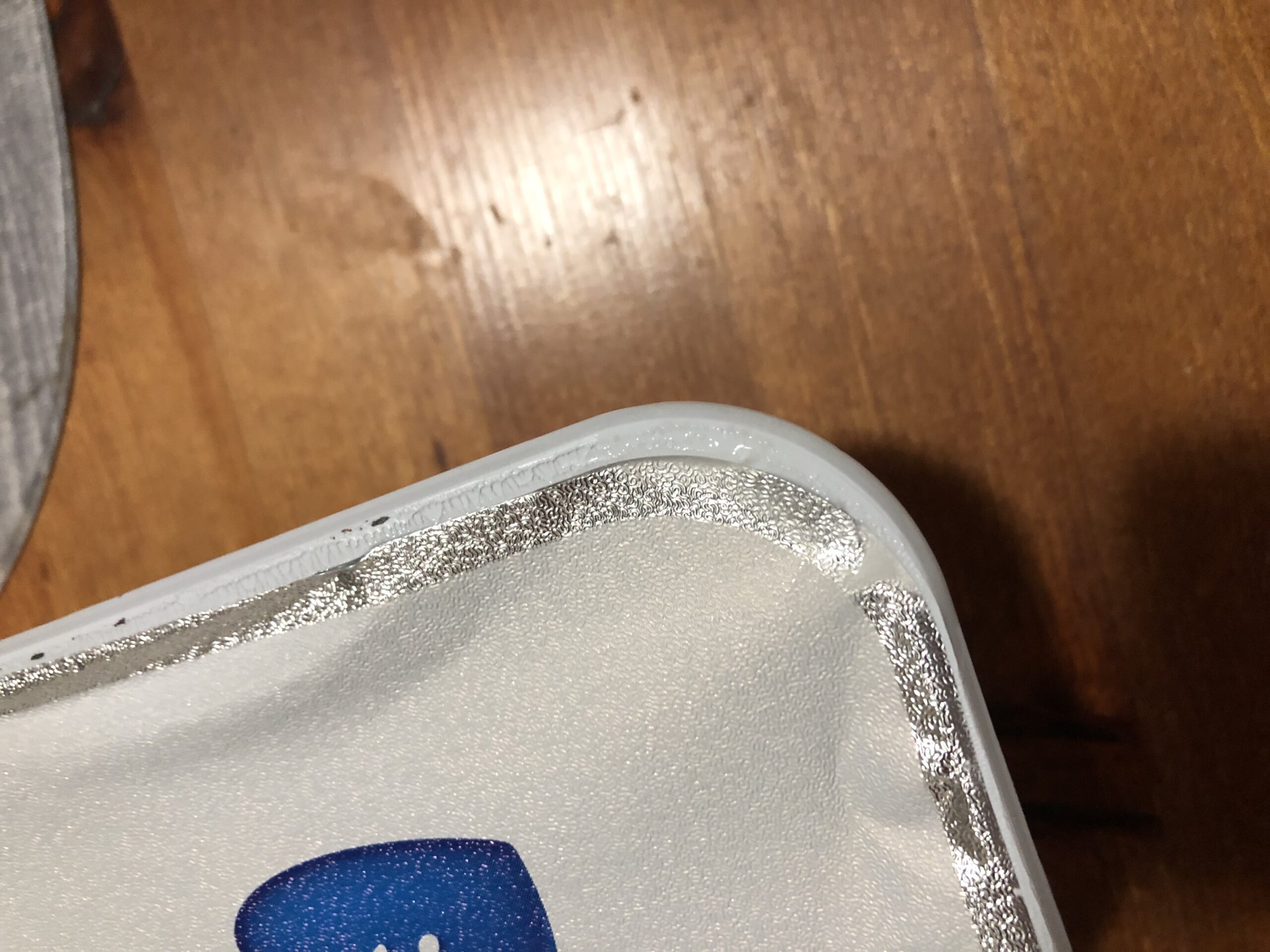
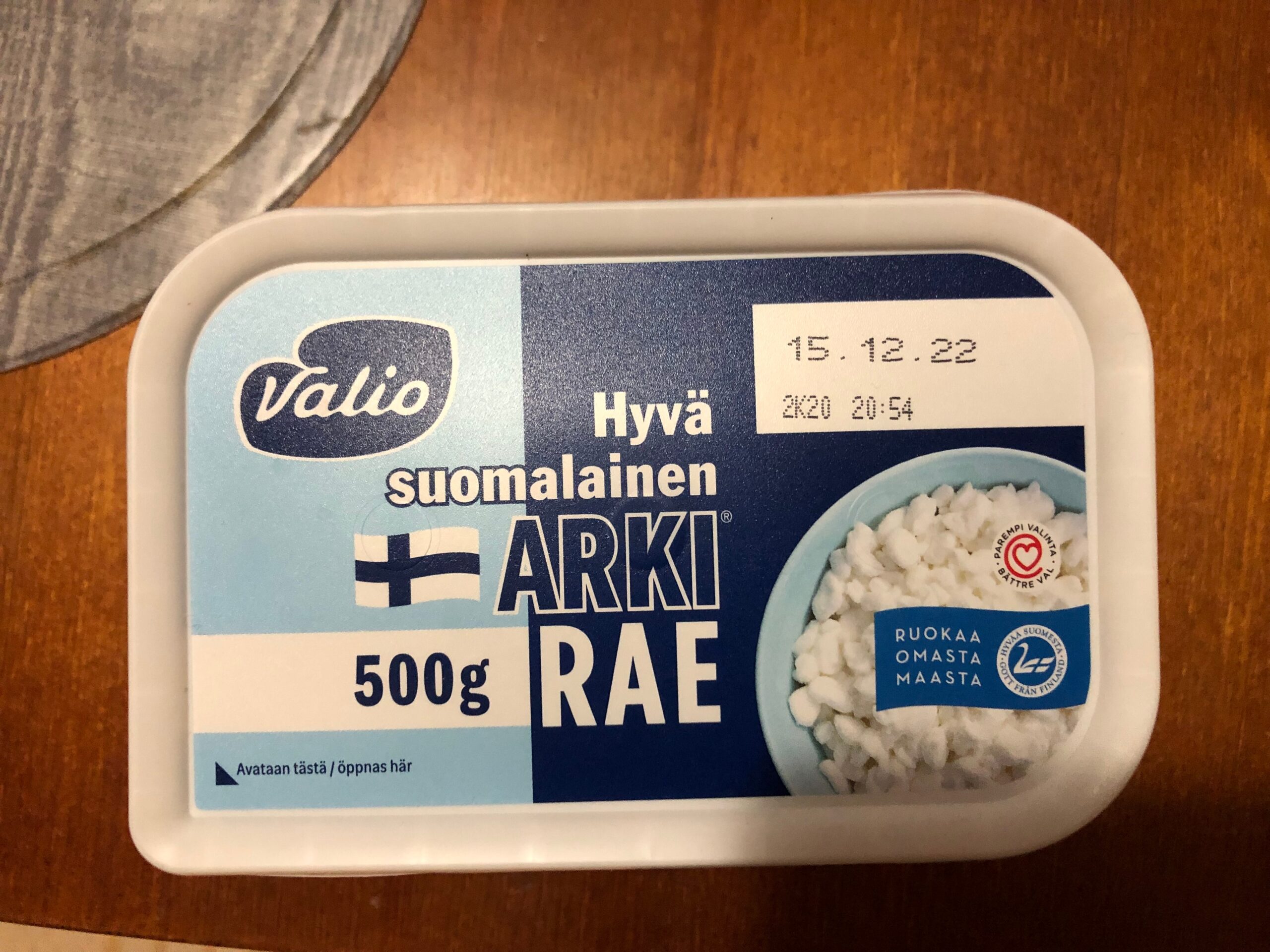
Välifoliokansi oli liimattu vähän vinoon, jonka seurauksena rasiasta oli valunut nestettä muiden ostosten sekaan. Eikä ollut ensimmäinen kerta, kun tätä on sattunut, joskin edelliskerrasta on nyt jo sen verran aikaa, että luulin, että tämä oli tuotantolinjalla jo korjattu.
Tuo folio on usein myös vähän oikullinen avattava. Useimmiten se kyllä irtoaa nätisti kokonaisena, mutta joskus taas liimaus on niin epätasainen, että kansi repeää heti alkuunsa, ja sitten sen joutuu kuorimaan suikaleina pois.
Lopuksi vielä hieman aiheen vierestä: tässä palautelomakkeella ensimmäisenä haetaan tuotetta nimellä. Kun siihen kirjoittaa esim. ”arki rae”, ei löydy mitään, koska järjestelmän listauksessa nimen perään on typerästi ympätty tavaramerkki-R (Arki®). Eipä taida kovin moni käyttäjä arvata tai edes osata näppäimistöllään tuota ®:n kirjoittaa.
Plugin version: 3.6.2
This is similar to one previously reported issue, but I have a specific situation where this occurs (and appears to be 100 % reproducible):
1. Start editing an article
2. Have your session cookie expire (to simulate, you can delete the cookie in browser settings)
3. Continue editing the article, or just wait until the next heartbeat, to have the login form pop up
4. Fill in the login form (over the editor) to log back in
5. Click Save draft
Result is the ”WP to Twitter: Security check failed” error page.
Thankfully, the draft has still been saved, and going back to the editor (using the browser’s back button) restores it. Also the next attempt to Save draft goes through without issues2 (I’ve only tried this using Firefox though, and can’t say if it’s as harmless in other browsers).
I haven’t looked at the code, but if the issue is caused by nonce invalidation at step 2, the plugin should probably update its nonce(s) when login-related hooks fire after step 3.
Luulin vielä lopussakin, että tämä oli Pieniä ihmeitä, mutta tämähän olikin näitä Silmiksen pieniä ihmeitä.
Hi @hmhealey,
Yes, it’s mainly about expectation. For an actual use case, I noticed this when mentioning an IRC channel name, which became a long, distracting and useless hashtag link, exacerbated by agglutination and multi-word hyphenation typical in Finnish, (e.g. #channelname-irc-kanavalla). I tried to make it less distracting by editing in a preceding backslash, only to discover that it didn’t work here.
There is no way to escape a word-starting hash character (#) in plaintext.
In MM 7.3.0, post this, verbatim: \#anything
#anything
Workaround: instead of ”\#anything”, post this: #anything
Using backticks (`\#anything`) also works, but obviously the word then gets formatted as code and not plaintext.
This is mainly an issue of inconsistency and surprise: backslash works to escape most other special formatting, so I’d expect it to work here too.
Still present in Nextcloud 3.21.2. My device is a Samsung A9 running Android 10.
@Julian: I’d argue that if a simple accidental click somewhere can cause this, that’s a loaded gun pointed at the user’s toe, and hence a bug in the installer.
@Brian: I’ll try the 22.04 images. I’ve kept trying with 20.04.5, but have yet to find another instance of this occurring, so it’s obviously not easy to trigger.
I’m not particularly troubled by this issue (and the original reporter doesn’t seem to be either), so feel free to adjust ’Importance’ accordingly.
Please tell me more about your window environment; Gnome/Mutter don’t support Client Side Decoration (CSD) for Wayland clients, so wezterm draws its own limited decorations. Those don’t support right clicking or context menus, so I’m not sure how that maximize menu you described shows up.
Sure, though I don’t yet know anything beyond ”this is a standard Ubuntu 20.04 (Gnome) desktop, using Wayland”. Are there any commands I could run to find out more?
Copy & paste doesn’t work in the debug overlay (any selection I make is deselected as soon as I hit Ctrl), but there’s nothing there anyway apart from the intro (no matter how many times I trigger the resizing issue).
