Steps to reproduce
- Log in using mmctl.
What I expect to happen
# /usr/bin/sudo -u mattermost /usr/local/bin/mmctl --quiet auth login https://example.com --name example --access-token 123456890abcdefghijklmnopq
#
What happens instead
# /usr/bin/sudo -u mattermost /usr/local/bin/mmctl --quiet auth login https://example.com --name example --access-token 123456890abcdefghijklmnopq

  credentials for "example": "Personal Access Token@https://example.com" stored

#
Potential cause
From looking at the code, output and --quiet are implemented in Printer, but auth and a few other places appear to use fmt.Printf() directly instead.
Issue
JSON files can be added to cards as attachments, but they are empty when downloaded from a card.
Server Setup Information
- Did you test in newest Wekan?: 5.90
- Did you configure root-url correctly so Wekan cards open correctly? yes
- Operating System: Ubuntu 20.04
- Deployment Method: snap
- Http frontend if any: Apache
- What webbrowser version are you using? Firefox (reproducible in Brave too)
Problem description
Reproduction Steps
- Have a JSON file, such as the example from Wikipedia. Name it
example.json.
- Open a card in Wekan.
- Select + from the Attachments section.
- Select ”Computer” from the popup.
- Select
example.json.
- With the JSON file now attached to the card, select to ”Download” it.
- Open the downloaded JSON file.
What I expect to happen
For the downloaded file contents to match the uploaded file.
What happens instead
The file is empty.
Logs
Nothing in either the browser console nor snap logs when the issue is triggered.
Other info
- Deleting the attachment seems to work.
- The issue can be worked around by renaming the JSON file prior to uploading to have a .txt extension instead of (or in addition to) .json.
I think my HA is also affected by this. I haven’t done any firewall snooping and I’m not using pFsense, but I also have a timer based on Kodi’s ”turn_off” event, and the symptom of repeated ”turn_off” events match. The workaround from @ChopperRob above also seems to work.
(Probably unrelated, but I’ve also noticed that my ”turn display on when Kodi becomes idle” stops working when my LAN/WLAN gets very congested (such as when doing backups over the network). I’m using ”idle” because the log never shows a ”turn_on” event from Kodi; just ”idle”, ”playing” and the intermittently incessant ”turn_off” events.)
I assume you’ve tried basic elimination, by testing with different parts & peripherals removed?
It’s a hassle of course, especially after you’ve already settled in to using the system, not to mention how tedious it is to run memtest for days on end just to achieve sufficient confidence that you’ve proved a negative.
I’m not as hardcore about this as Jeff Atwood, but I’ve learned not to discount anything as potentially being the cause or at least a trigger for all kinds of issues. Besides obvious things like RAM modules, OTOH I’ve had at least one internal memory card reader, one USB bluetooth dongle and one (SATA) SSD turn out to be the troublemaker; usually something much easier to replace than motherboard+almost everything. (And unfortunately it’s usually been easier to just replace or just get rid of the triggering component rather than hope for a software fix, even if the issue ultimately was with software.)
The cold lockups or the case being touch-sensitive don’t sound like one of those easily solvable ones, but since there’s a plethora of symptoms, perhaps some still might be, and are just hard to see from the mix.
Seems to be fixed in VLC 3.0.9.2-1 (Ubuntu 20.04); at least I haven’t been able to reproduce it anymore.
Same ”double free or corruption (!prev)” reproducible here too (VLC 3.0.9.2-1, Ubuntu 20.04), even more easily: the position doesn’t matter, and the first attempt to screenshot is already enough to trigger the issue.
I came across this when trying to screenshot a Superman cartoon I downloaded from Internet Archive [1].
* [1] https://archive.org/download/dom-6746superman-episode7-theundergroundworld512kb/dom-6746superman-episode7-theundergroundworld512kb.mp4
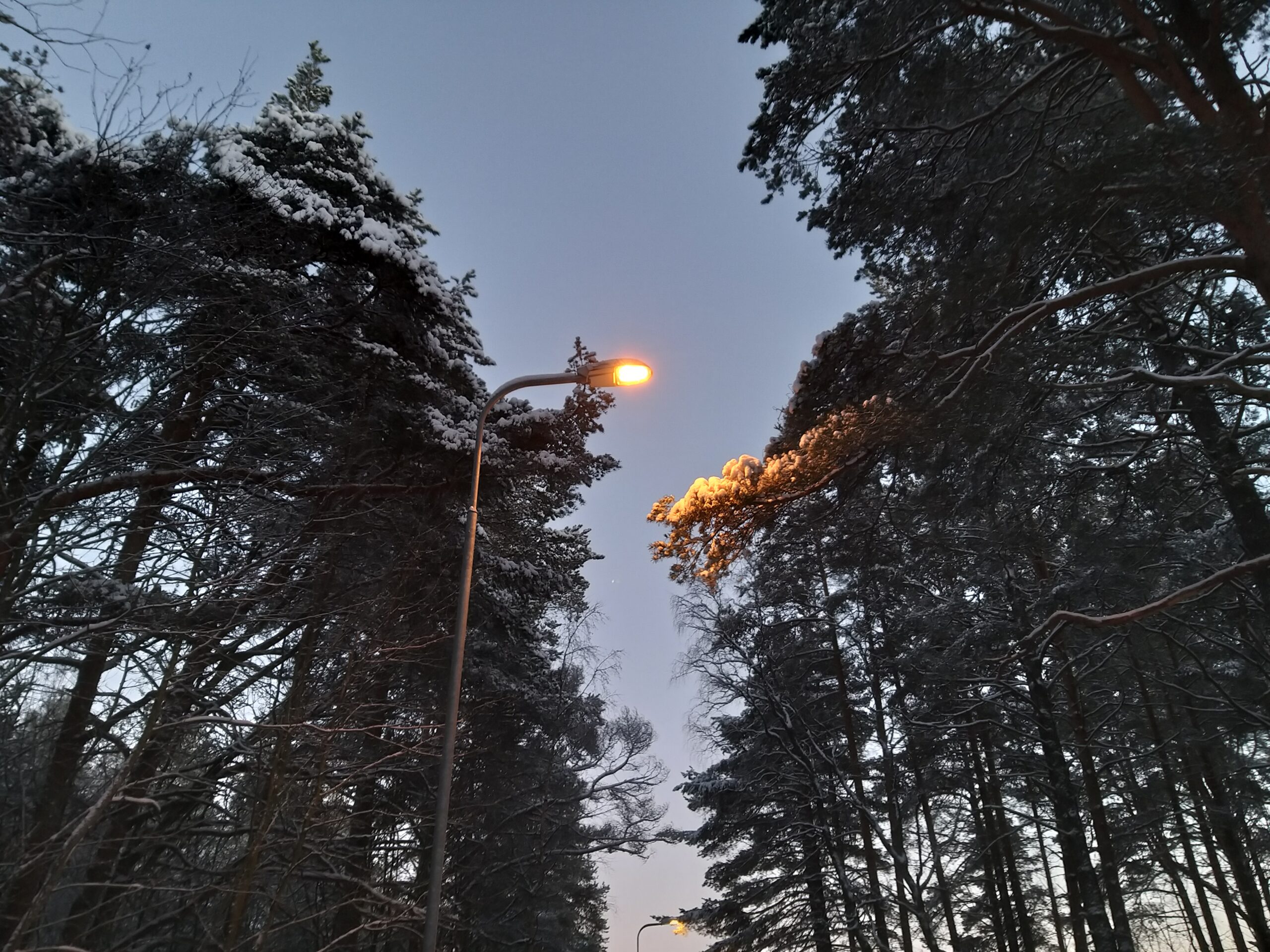
Männyn oksa kadun toiselta puolelta kasvanut niin pitkäksi, että tämä katuvalo valaisee lähinnä sen oksan kärkeä.
I applied the patch on top of current head, built a deb, installed it (replacing the 4.4.0 release), and can confirm that the patch fixes the issue: the snapshots produced are now in the correct resolution (1920×1080) and look as they should (no glitching).
Täältä puuttuu hyllypaikkatieto, joka on tavallisin käyttötarkoitukseni Foodielle. Muutenkin tämä vaikuttaa niin vahvasti ruoan verkkokauppa edellä tehdyltä, että muut käyttötarkoitukset ovat sen takia turhan hankalia, jolleivät mahdottomia.
Malliesimerkiksi tästä ”nelikulmaista palikkaa pyöreään reikään” -vaikeudesta käy tämä yhteydenottolomake, joka ei edes tarjoa yleistä käytettävyyttä palautetyyppimuotona, vaan (Verkkokaupan palvelut, tilaukset ja tuotteet -aiheen alta) löytyy vain ”Kerääminen ja Laatu”, ”Tilaaminen” ja ”Toimitus”. En yritä enkä edes halua tehdä mitään näistä, vaan löytää vain tietoa tuotteista.
Jopa niissä perustiedoissakin näyttää olevan puutteita, josta esimerkkinä Rainbow-salaattijuustopala, jonka tuotesivulta puuttuu ravintosisältö.
Ei Foodiekaan täydellinen ole, ja ymmärrän, että tämä S-kaupat-palvelu on vielä kehitteillä, mutta nyt Foodie on alkanut tyrkyttää joka sivulatauksella popup-läpyskää, jossa mainostetaan tätä sivustoa, vaikka tämä ei vielä läheskään kykene täyttämään samoja käyttötarkoituksia.
Ja näköjään tämän lomakkeen Yhteydenottotapa-osioon on pakko vastata jotain, vaikka tyhjäksi jätetyn sähköpostikentän virheilmoitus sanoo ”Tarkista ja korjaa sähköpostiosoite tai anna palaute ilman yhteystietojasi.”